 SpriteDash
Phaser 3
this.load.atlas("fighter",
  "adapters/phaser/sheet.png",
"adapters/phaser/texture-atlas.json");Animation demo and workflow guide
Play a sample sprite animation, then follow the guide to inspect frame timing, pivots and hitboxes.
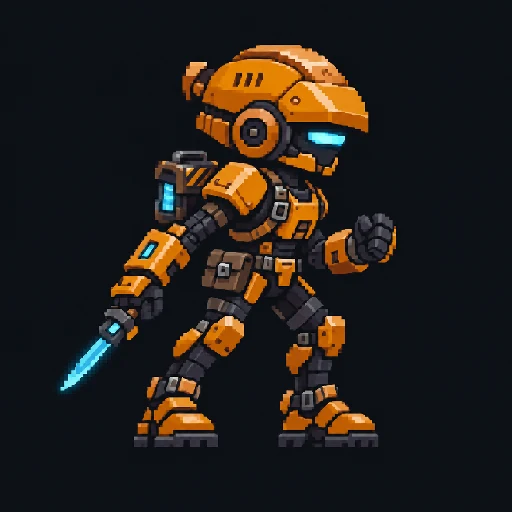
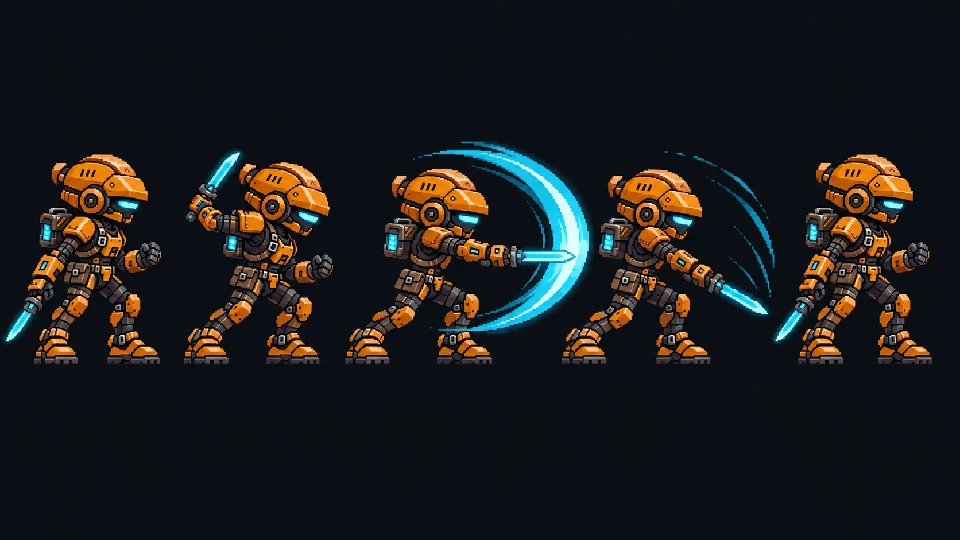
Pick the action, direction, frame rate and loop bounds before preparing a source animation.
Onion skin makes the movement between frames easier to read. Compare the pivot crosshair and hitbox overlay at the key frames.
The reslicing workflow changes frame count, padding or strip layout while preserving the source clip and original sheet.
| Target | Included files | How to use |
|---|---|---|
| Universal sprites | atlas.json · sheet.png · frames/ · audio/ | Frame bounds, anchor and durations |
| Phaser 3 | texture-atlas.json · sheet.png | Load via this.load.atlas() |
| Godot 4 | frames.tres · sheet.png · play.gd | Load in AnimatedSprite2D |
| Static web game | whitebox_web · game-config.json · asset-manifest.json | Serve the unpacked folder over HTTP |
this.load.atlas("fighter",
"adapters/phaser/sheet.png",
"adapters/phaser/texture-atlas.json");@onready var actor: AnimatedSprite2D = $AnimatedSprite2D
func _ready() -> void:
actor.sprite_frames = preload("res://adapters/godot/frames.tres")
actor.play("attack")It overlays up to two earlier and later frames so you can see the motion arc without replaying the full clip.
On a character sheet, select a frame and choose Save as pose. Reuse that stored PNG as a start or end pose.
Play the demo in your browser or sign in to save a project. Hosted sprite generation and reslicing are closed.
Try the public demos during Early Access. Hosted generation, MCP and checkout are currently closed.