 SpriteDash
Slash demo and workflow guide
2D VFX Generator
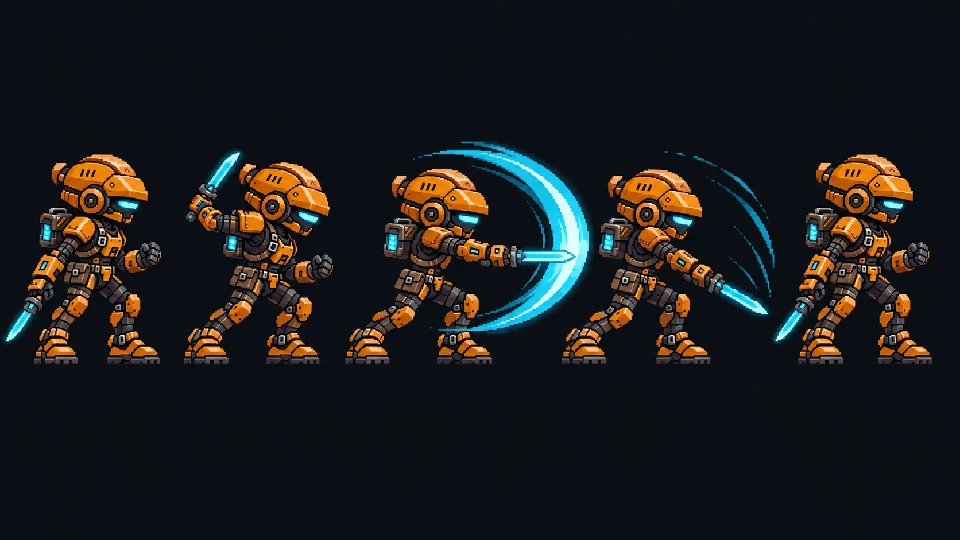
Play a glowing slash and hear its sound on the hit frame. Preview the planned hosted effects workflow for luma alpha and frame-timed audio.

Workflow
Preserve soft highlights from black
Use a clean black background with luma alpha to recover soft opacity from brightness. Choose additive blend for glowing effects in the sandbox.
Choose the right trigger
Match audio to one frame, a frame range, animation entry or exit. In the browser demo the slash sound fires on the hit frame.
Plan the effects export
The documented effects package pairs a transparent PNG sheet and frame data with its audio files.
Engine export specifications
| Target | Included files | How to use |
|---|---|---|
| Universal sprites | atlas.json · sheet.png · frames/ · audio/ | Frame bounds, anchor and durations |
| Phaser 3 | texture-atlas.json · sheet.png | Load via this.load.atlas() |
| Godot 4 | frames.tres · sheet.png · play.gd | Load in AnimatedSprite2D |
| Static web game | whitebox_web · game-config.json · asset-manifest.json | Serve the unpacked folder over HTTP |
Frequently asked questions
Can I generate a new effect now?
Hosted generation is closed during Early Access. Play the included slash, or use the guide to plan a slash, explosion, hit spark or magic effect.
Which audio formats does the workflow use?
The audio workflow accepts project-owned WAV and MP3 assets.
Does luma alpha work with a colored background?
Use clean black for luma alpha. For a solid colored background, choose chroma key instead.
Explore the Studio workflows
Build your first playable move
Try the public demos during Early Access. Hosted generation, MCP and checkout are currently closed.