SpriteDash
Wire it on the canvas
See exactly which animation, effect and sound drive the playable node. Tune the move in the same project.
Open a projectThe 2D game asset workbench
Play a 2D game in your browser. See how sprites, transparent effects and frame-synced sound work together. Hosted AI generation, cloud MCP access and paid credit packs are planned.
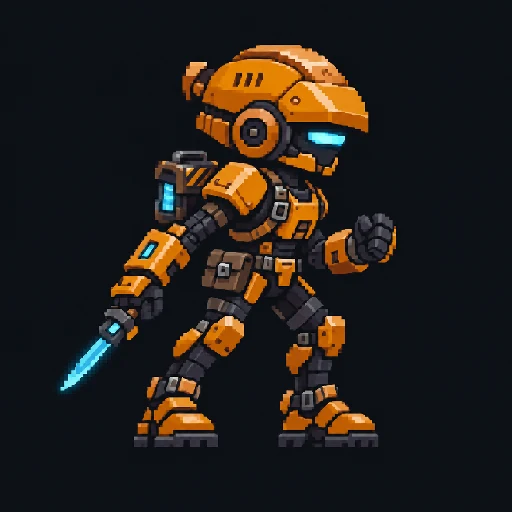
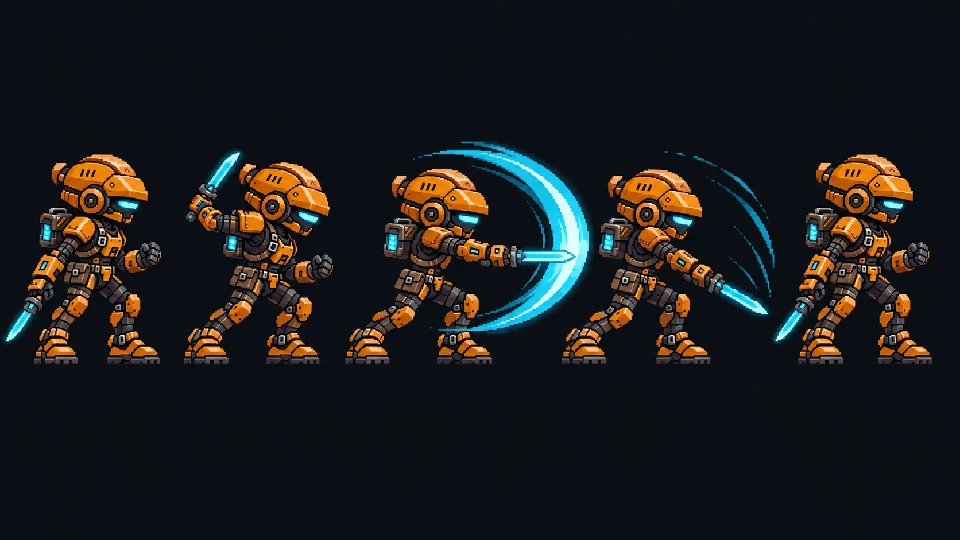
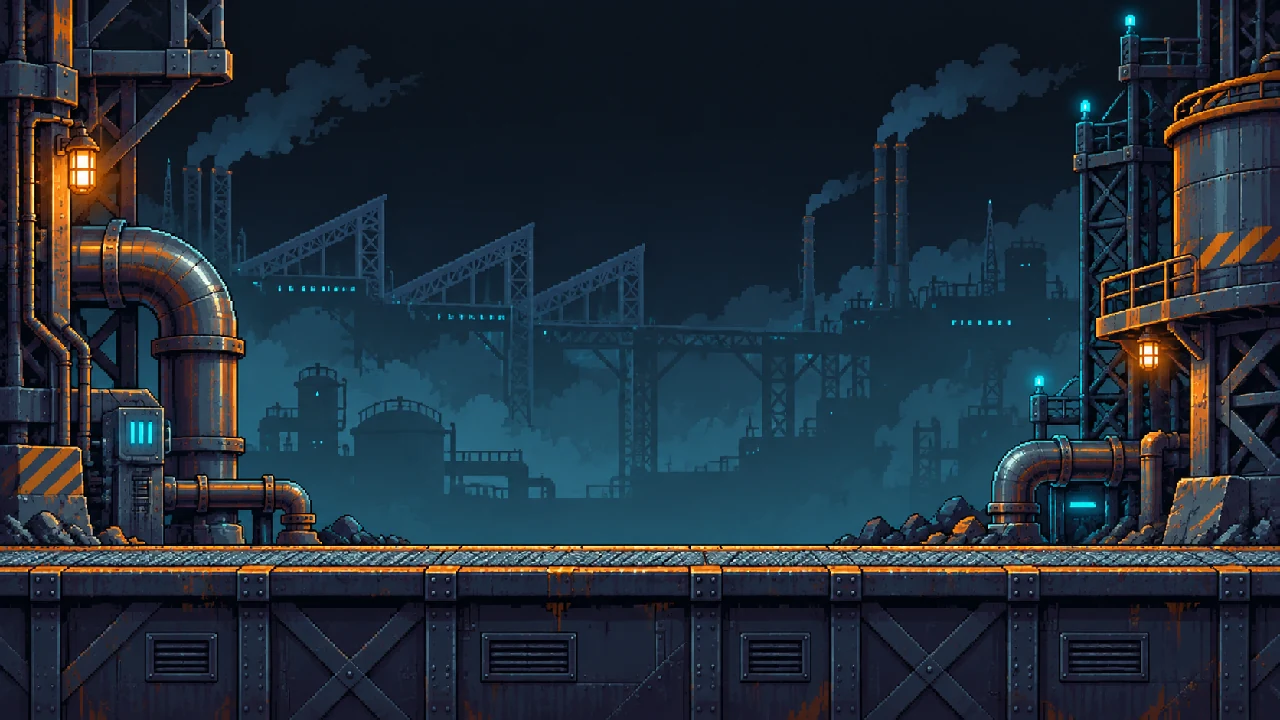

See exactly which animation, effect and sound drive the playable node. Tune the move in the same project.
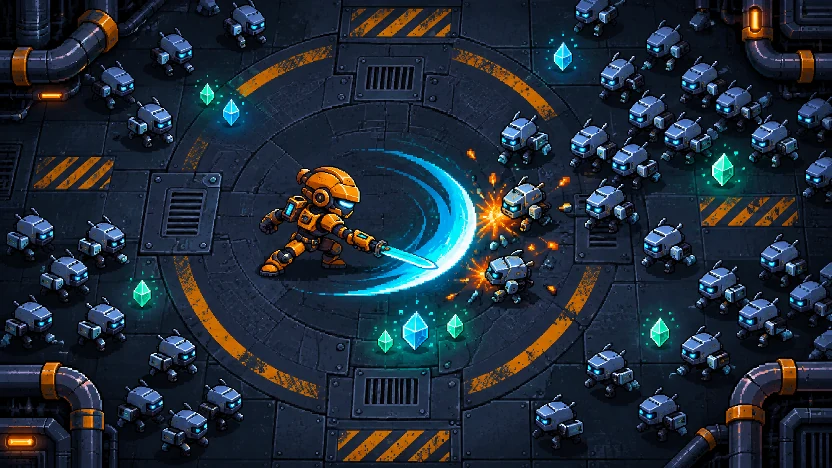
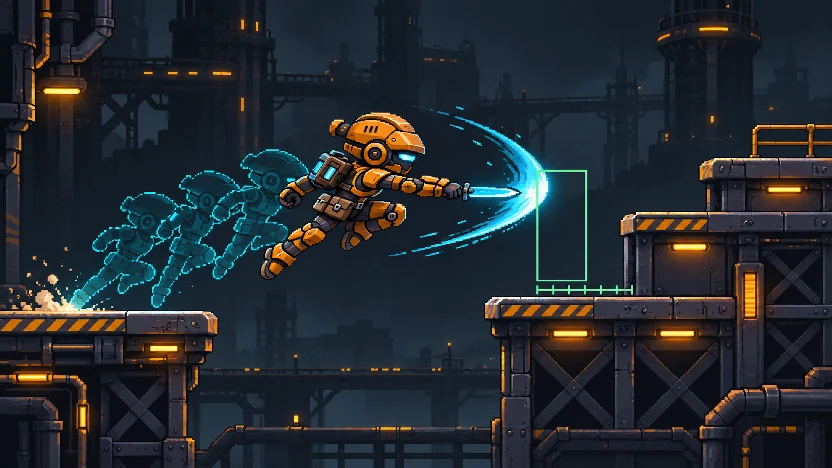
Open a projectTry a wave survivor or a precision platformer. Bind your own assets and export a self-contained web ZIP.
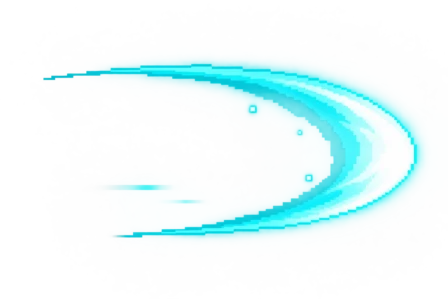
Compare the sample effect before and after removing the black background, then play its hit sound.
Explore 2D VFXcodex mcp add game-studio \
--url https://spritedash.com/mcp \
--bearer-token-env-var GAME_STUDIO_TOKENSee how Codex, Claude Code or Cursor will connect using a project-scoped key and a generation budget.
Read the MCP guideYes. On this page use A and D to move, W to jump, and Space to attack. Sound starts after your first interaction.
Play the public demos without an account, or sign in to save a project. Hosted AI generation is closed.
The project stores a default style prompt, colors and reference imagery so related assets can share a consistent brief.
The workflow covers weapon slashes, explosions, hit sparks and magic effects. Luma alpha preserves soft highlights from a black matte.
Reslicing uses an existing source video and preserves earlier versions. Hosted processing is closed during Early Access.
The guides cover a generic PNG and Atlas v1 pack, a Phaser 3 texture atlas, and a Godot 4 SpriteFrames resource.
MCP connections are closed during public Early Access. You can review the configuration examples in the Godot MCP guide.
Permanent credits will have no expiration date. Checkout is closed during Early Access.
Try the public demos during Early Access. Hosted generation, MCP and checkout are currently closed.